Website Banner Resizing
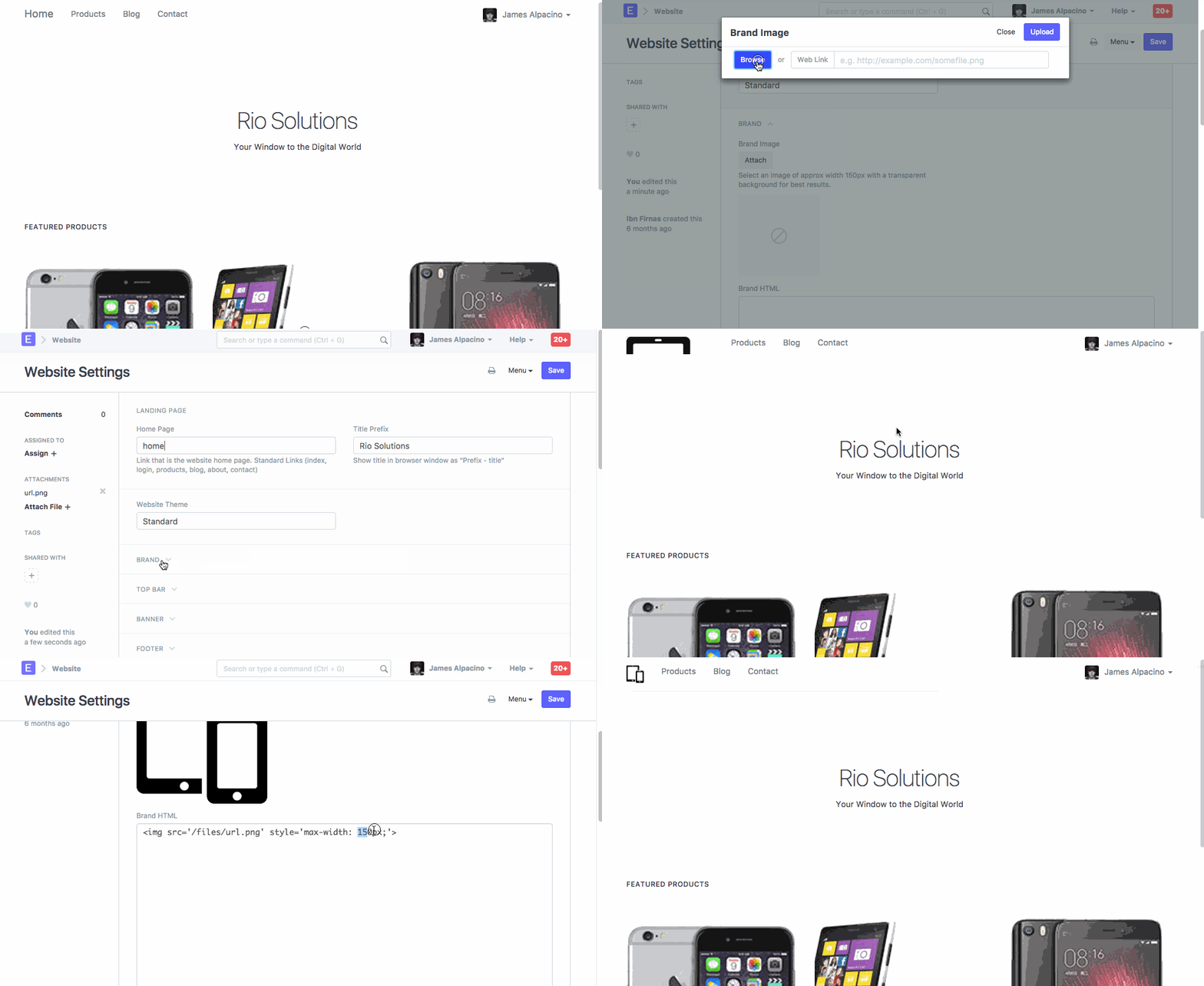
Each EnigmaERP account website automatically generated from it. On a website, logo is set based on logo image selected in the Setup Wizard. You can change or edit property for your company's logo from the Website Settings.
Explore > Website > Website Settings
For the exact steps on how to upload a Website Banner and resize it, please refer to the help given below.
Adapted for EnigmaERP from the ERPNext documentation,
© Frappe Technologies Pvt. Ltd. Content licensed under
CC-BY-SA 3.0.
EnigmaERP is a product of Enigma and is not
affiliated with or endorsed by Frappe Technologies Pvt. Ltd.