Introduction
What is EnigmaERP?#
EnigmaERP is business management software that helps companies stay on top of their operations, whether it's tracking inventory, managing finances, handling projects, or keeping customers happy. Think of it as the central nervous system for your business, bringing everything together in one place.
Most ERPs are clunky, expensive, and a headache to customize. EnigmaERP is different. You get the power of an enterprise system without the usual complications.
Why EnigmaERP?#
Because running a business is already hard enough. Your ERP should not make it harder.
With EnigmaERP, you get a complete set of tools for all your business needs, built in and ready to use. With EnigmaERP, you get:
- A complete suite of tools: From Assets to Accounting to Inventory, everything you need is built-in.
- Easy to use: A clean, modern interface that doesn't feel like it was built in the '90s.
Whether you are a small business or a growing enterprise, EnigmaERP helps you stay organized, automate the boring stuff, and focus on what really matters - running your business.
Key features#
EnigmaERP will help you:
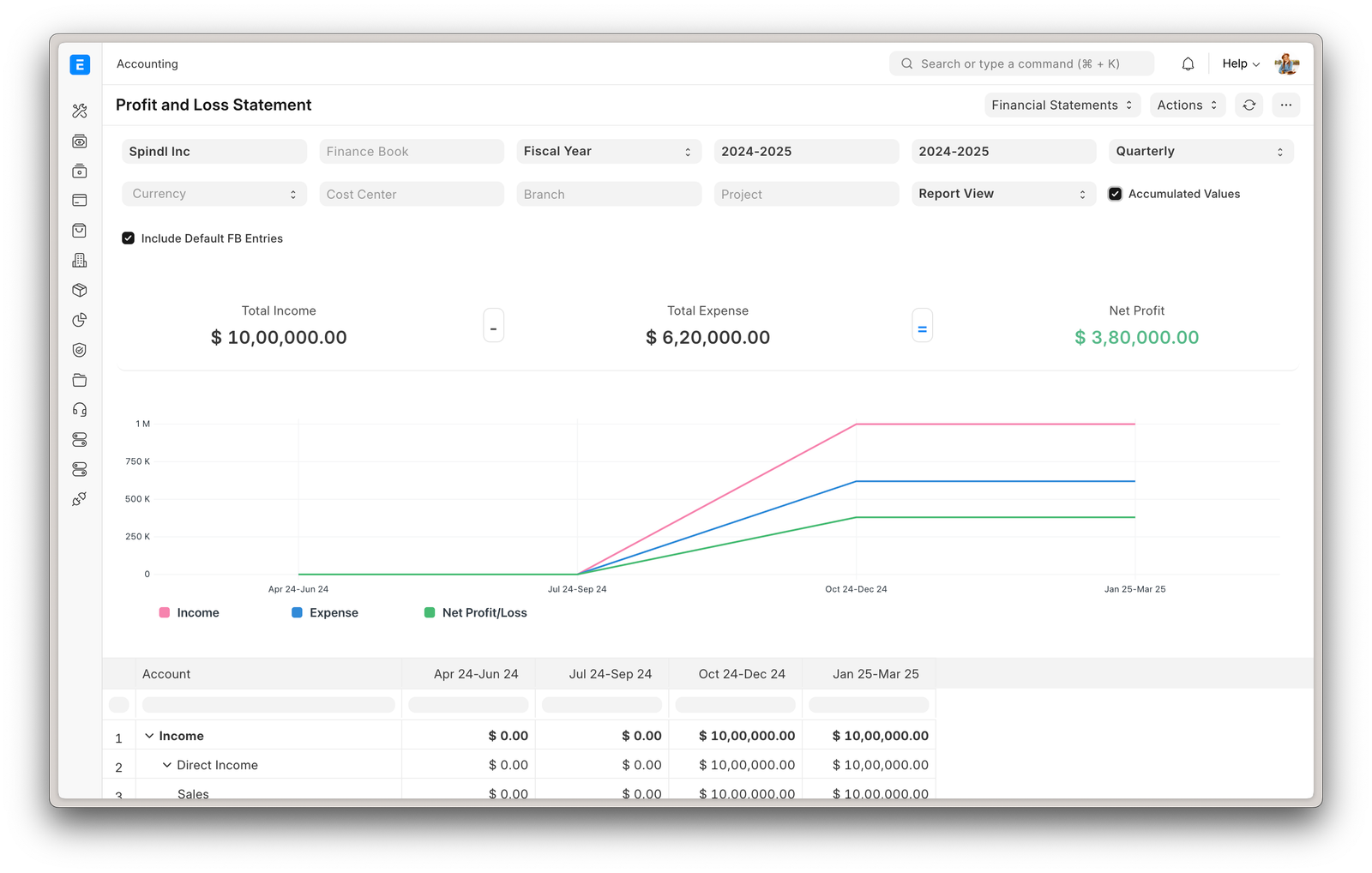
- Keep track of the financial indicators of the organization.
- Track all invoices and payments.
- Know what quantity of product is available in stock.
- Identify and track your key performance indicators (KPIs).
- Identify open customer queries.
- Manage employee payroll.
- Assign tasks and follow up on them.
- Maintain a database of all your customers, suppliers, and contacts.
- Prepare quotations.
- Track your budgets and spending.
- Determine effective selling price based on the actual raw material, machinery, and effort cost.
- Get reminders on maintenance schedules.
- Publish your website.
And a ton more.