Duplicate Records
'Duplicate' is a feature that helps you to copy values of existing document as-is into a new document.
Scenario#
A customer has placed a 'reorder' for certain items with an electronic items supplier.
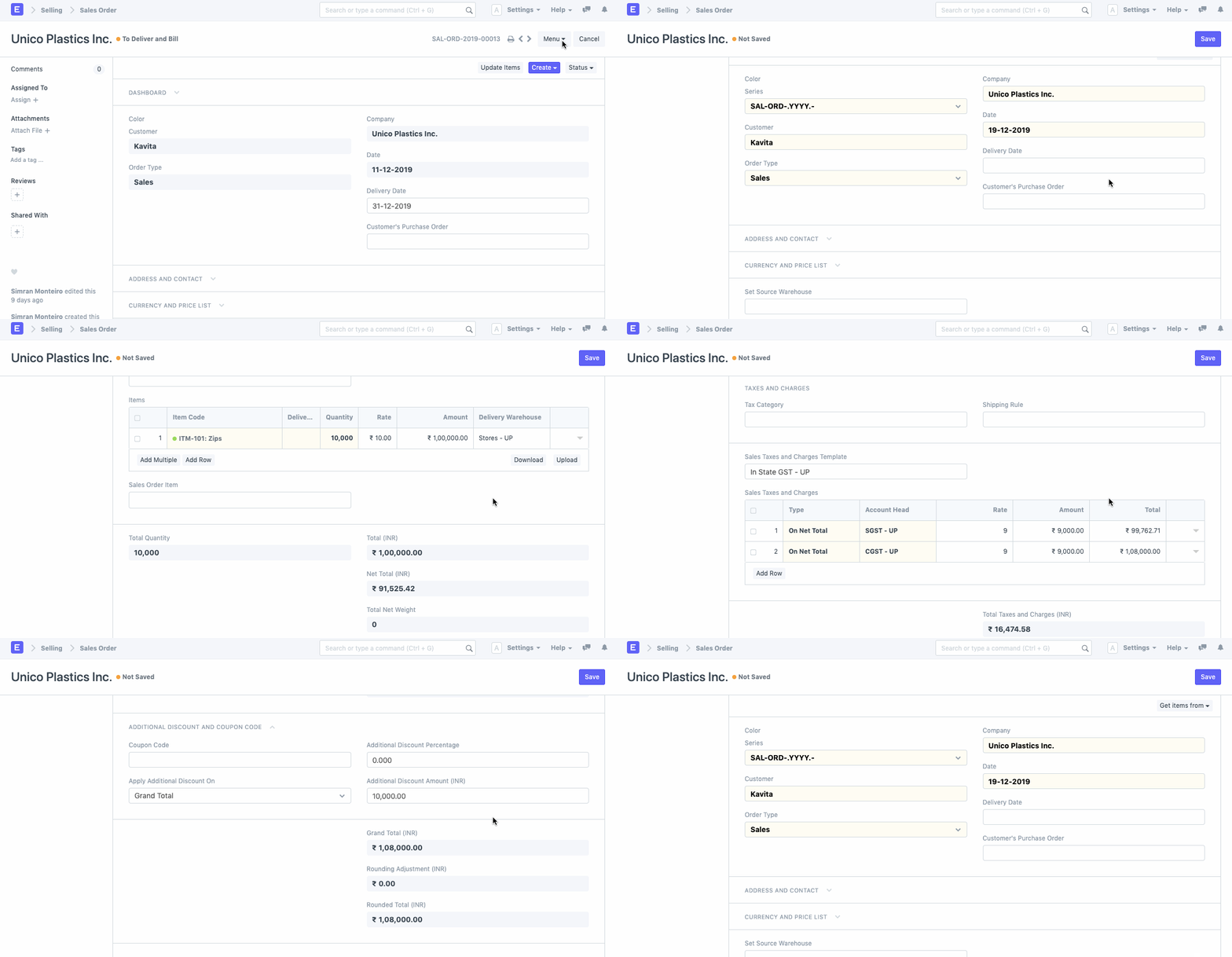
Since the new Sales Order will have all the details the same as that of the original Sales order, the supplier can simply open the original one and 'Duplicate' the order. The values of the original document will get updated as it is in the new Sales Order. Any changes, if required can be made thereafter.
To make a Duplicate document, you can go to the original document and click on 'Duplicate' from the Drop-Down menu.
Adapted for EnigmaERP from the ERPNext documentation,
© Frappe Technologies Pvt. Ltd. Content licensed under
CC-BY-SA 3.0.
EnigmaERP is a product of Enigma and is not
affiliated with or endorsed by Frappe Technologies Pvt. Ltd.