Asset
An Asset record is the operating history of something the company uses. For Nova Industries' staff laptop, it connects the Item and purchase value to a current location, maintenance plan, depreciation schedule, and eventual disposal.
Create one only after deciding whether the item is company equipment rather than inventory held for sale.
Before you begin#
Prepare the fixed-asset Item, Asset Category, company accounts, and Asset Location. Use Purchasing an Asset when the record originates from a new purchase.
Create an Asset#
- Open Asset and select Add Asset.
- Select the Item and company.
- Enter a recognizable Asset Name and current Location.
- Select Existing Asset only when bringing an already-owned asset into EnigmaERP. Use Composite Asset when the asset is assembled by capitalization.
- Enter purchase and available-for-use dates, value, and quantity.
- Enable maintenance and depreciation only when they apply.
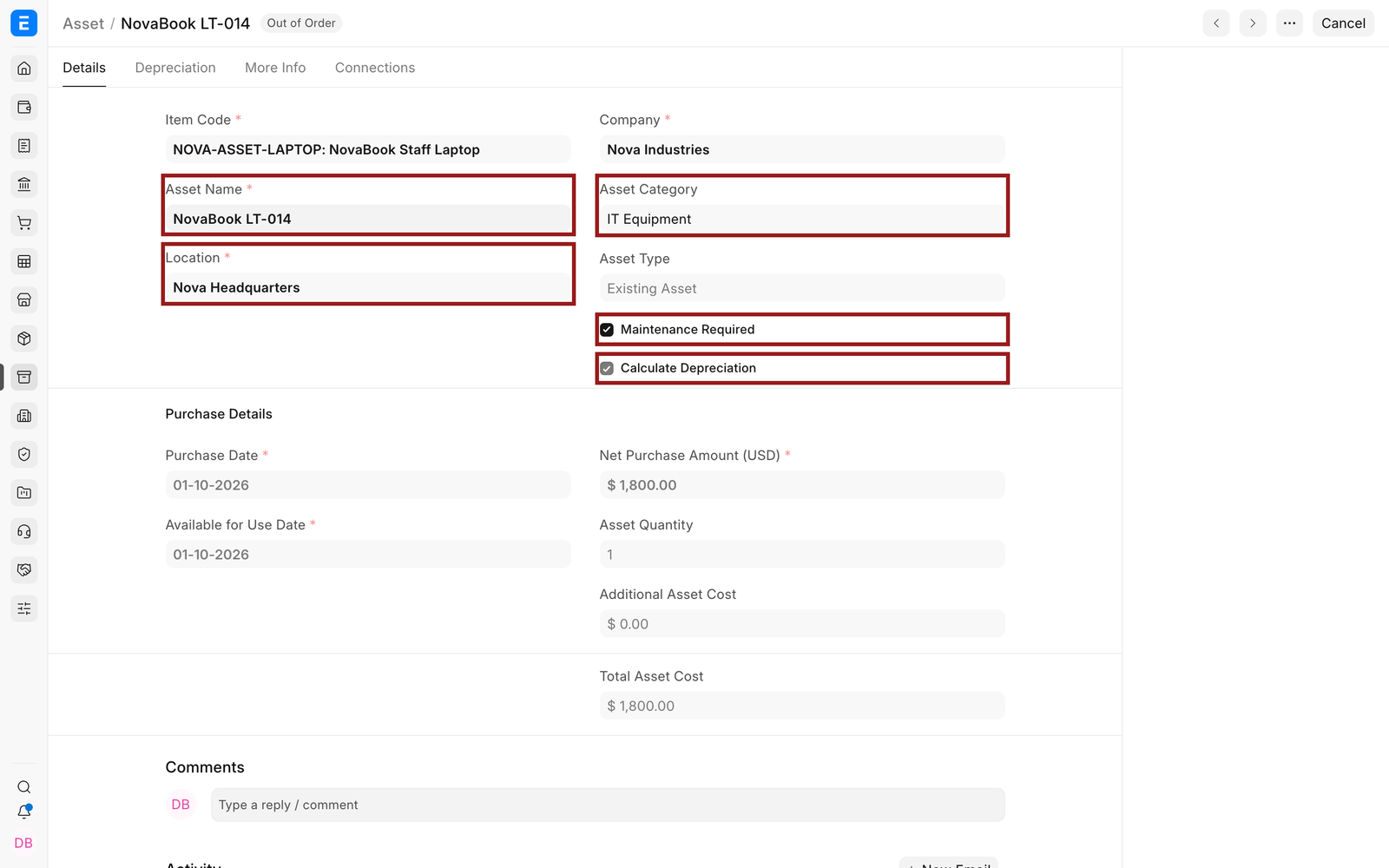
Important fields and what they mean#
| Field | What it means |
|---|---|
| Item Code | The reusable Item definition for this asset model. |
| Asset Name | The human-readable identity, such as an internal tag or serial reference. |
| Location | Current physical position. |
| Asset Type | Existing, Composite Asset, or Composite Component. |
| Purchase Date | Date the company acquired the asset. |
| Available for Use Date | Date capitalization and depreciation can begin. |
| Net Purchase Amount | Capitalized acquisition value before later adjustments. |
| Maintenance Required | Allows maintenance planning and logs. |
| Calculate Depreciation | Creates depreciation schedules from Finance Book settings. |
| Opening Accumulated Depreciation | Depreciation already booked before migration to EnigmaERP. |
| Custodian and Department | Operational responsibility and reporting ownership. |
Review depreciation#
Each Finance Book may have a different method, useful life, residual value, and posting frequency.
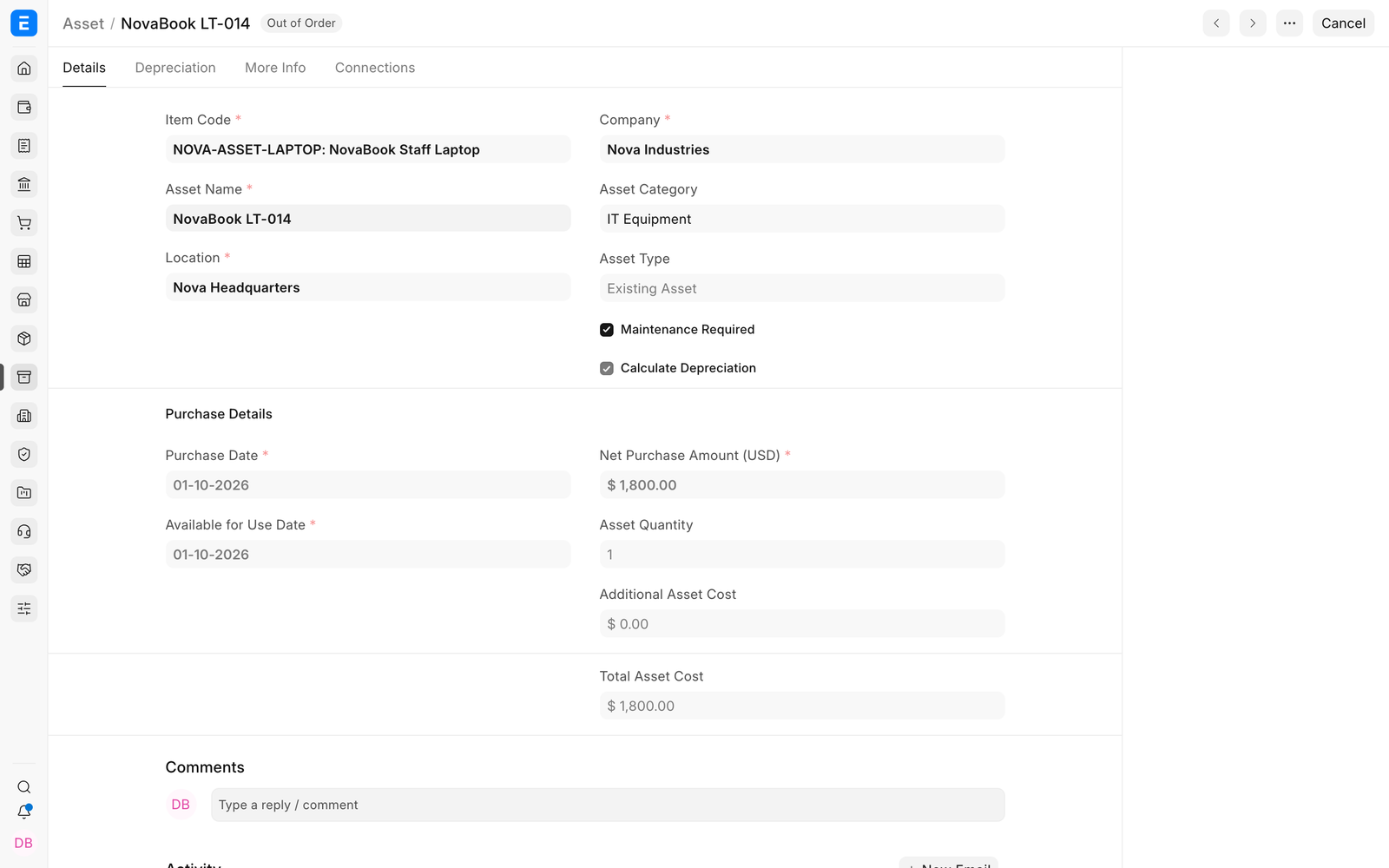
Status and downstream actions#
| Field | What it means |
|---|---|
| Submitted | The asset is active in the register. |
| Partially Depreciated | At least one depreciation is booked and value remains. |
| Fully Depreciated | The scheduled depreciable value has been booked. |
| In Maintenance or Out of Order | Operational condition is restricted. |
| Sold | A disposal sale has completed. |
| Scrapped | The asset was written off through the scrap workflow. |
| Capitalized | The asset was created or updated through Asset Capitalization. |

Troubleshooting#
The Asset value or account is wrong#
Trace the source purchase, category account defaults, and any capitalization or value-adjustment entries. Do not correct only the visible total without understanding the ledger source.
The Asset cannot be cancelled#
Cancel or reverse linked submitted depreciation and disposal documents in the required order first.
Frequently asked questions#
Can I change the location directly?#
Use Asset Movement for a controlled transfer and an auditable history.
Can I store insurance information?#
In EnigmaERP, yes. Use the insurance fields for insurer, policy dates, insured value, and coverage details.
Can one Asset contain multiple units?#
Grouped assets support quantity-based use cases, but individual assets are clearer when each unit needs its own custodian, maintenance, or disposal history.
Related topics#
- Asset Category
- Asset Location
- Asset
- Purchasing an Asset
- Depreciation
- Asset Movement
- Asset Repair
- Asset Reports