Contract
A contract is a legally binding agreement between a Supplier and a Customer over the sale or products or services.
A contract is legally enforceable because it meets the requirements and approval of the law. An agreement typically involves the exchange of goods, services, money, or promises of any of those.
To access the Contract list, go to:
Home > Sales Pipeline > Contract
How to Create a Contract#
- Go to the Contract list and select New.
- Choose the Customer.
- Enter the Contract Terms. A template can also be created for easily fetching the terms.
- Save.
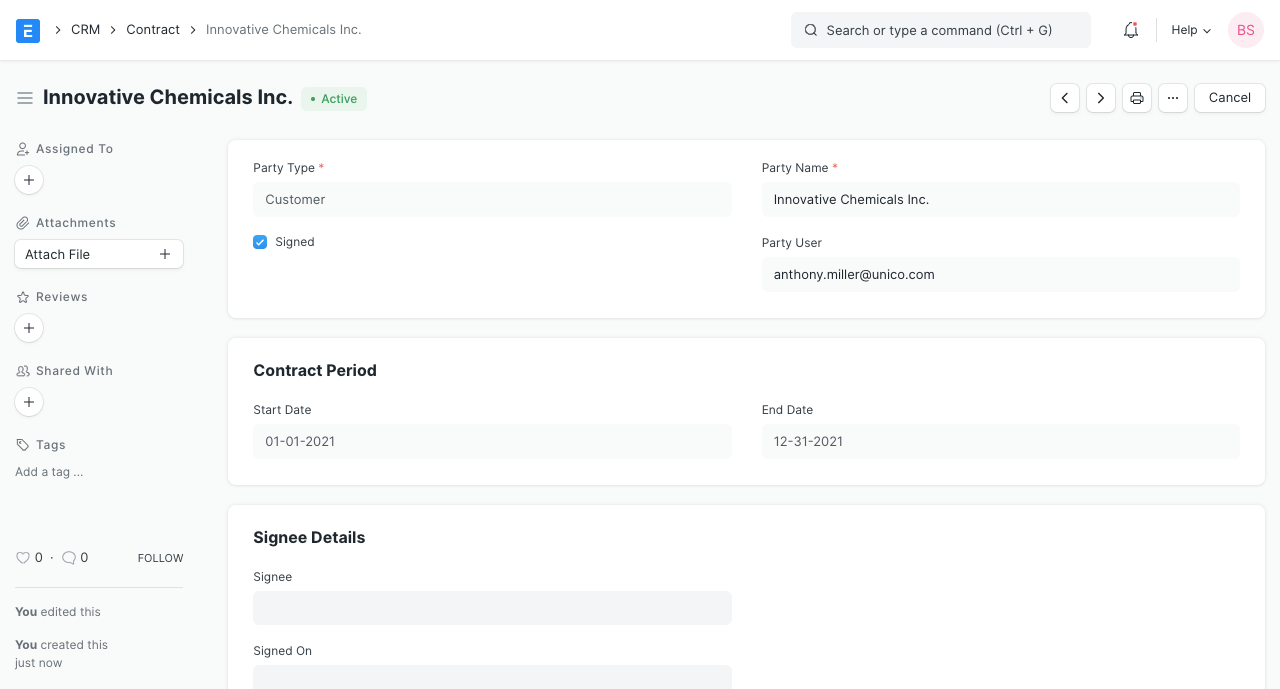
Party User: The employee from your Company who is in contact with the Customer.
Statuses#
- Unsigned: The Contract has not yet been signed by the Customer.
- Active: The Contract has been signed and is active under the Contract Period.
- Inactive: The Contract is out of the Contract Period and not valid anymore.
Features#
Contract Period#
The Start and End date within which the Contract is valid.
Signee Details#
This section will appear when the 'Signed' checkbox is ticked to indicate that the Customer has signed and accepted the Contract.
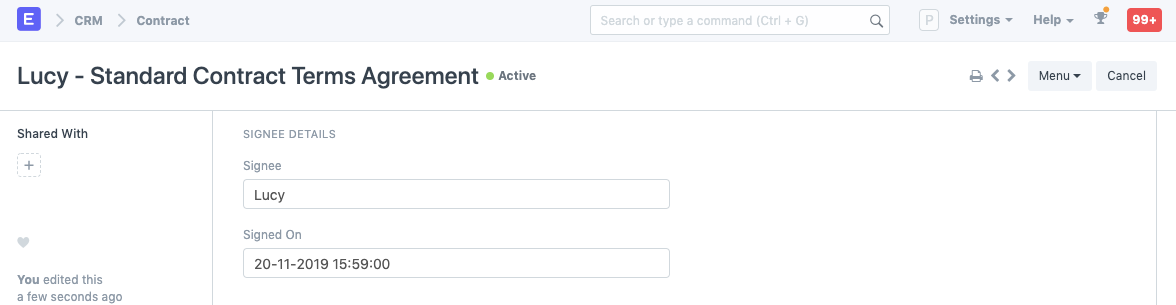
- Signee: Enter the name of the person that has signed the Contract.
- Signed On: The date on which the Contract was signed.
Contract Details#
Enter the terms of the Contract in the Contract Terms field. You can create a Contract Template and the template can be selected to fetch the Contract Terms.
Fulfilment Details#
If the Contract requires some fulfilment from the Supplier's (your) end, their details can be recorded in the Fulfilment Terms table.

- Notes: Any notes about the requirement can be entered here.
Contract Template#
A contract template is a standardized outline of a contract without the specifics involved. You can create a new template by going to:
Home > CRM > Contract Template
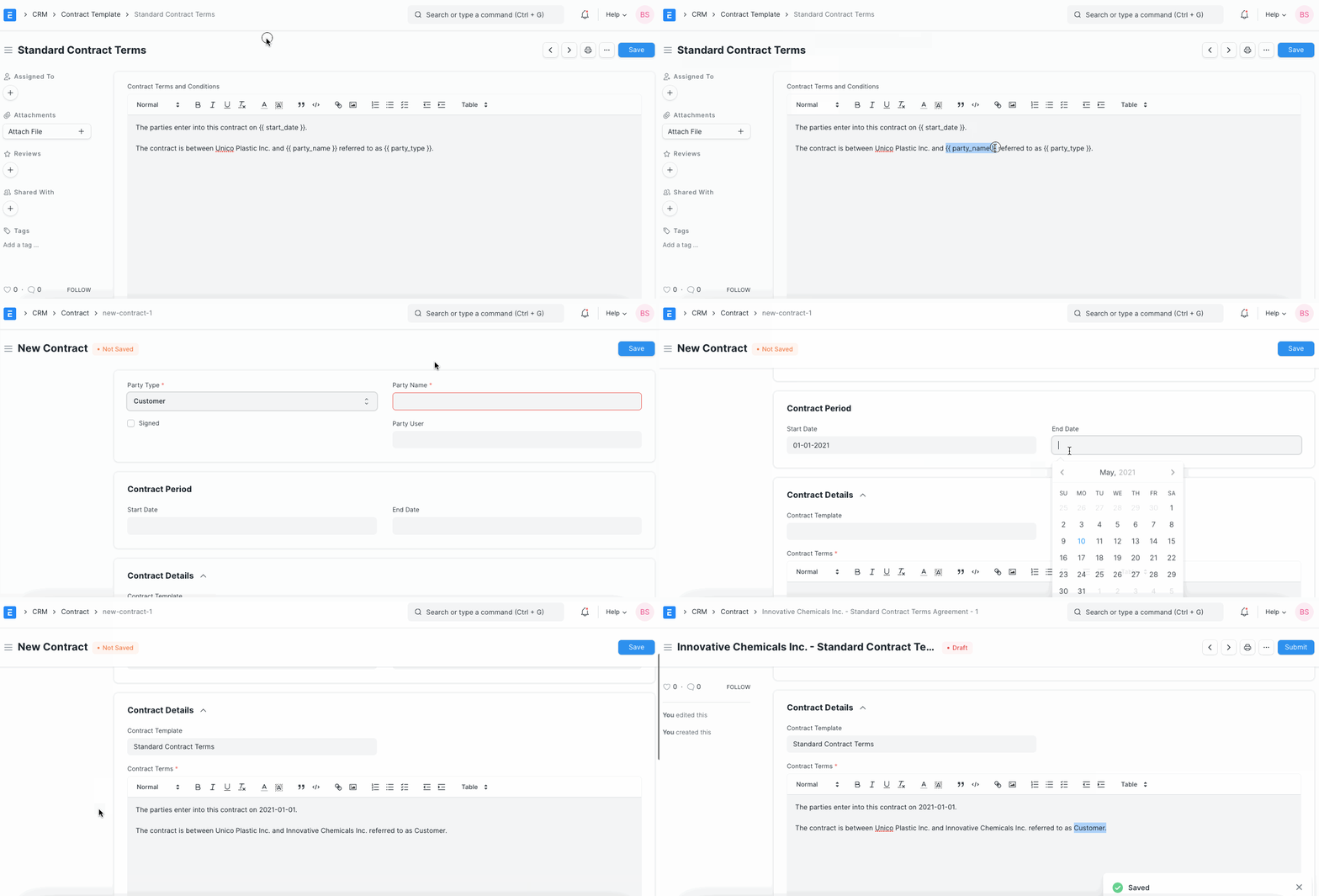
You can create templates by using Jinja. Eg:
The parties enter into this contract on {{ start_date }}.When you create a new contract using this template, the {{ start_date }} is replaced by the date entered into the field of the same name.
References#
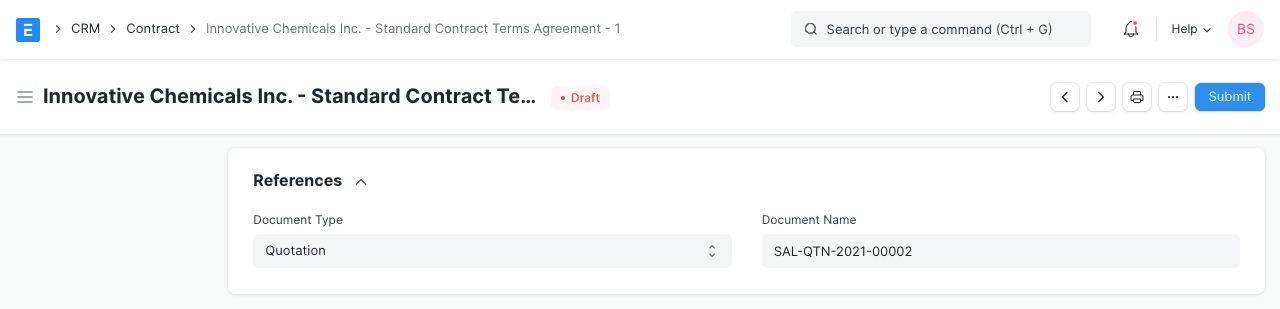
If the Contract can be linked to a transaction in EnigmaERP. Select the transaction type and the specific transaction. The documents that can be linked are:
- Quotation
- Project
- Sales Order
- Purchase Order
- Sales Invoice
- Purchase Invoice