Semi-Auto Payment Reconciliation
Semi-automatic reconciliation helps match unallocated payments with outstanding invoices using party, amount, and date information. Treat suggestions as candidates and review them before posting allocations.
Before you begin#
Confirm the correct Company, currency, receivable or payable account, and bank or cash ledger. Use submitted source documents and keep the bank reference or remittance advice available.
Use Semi-Auto Payment Reconciliation#
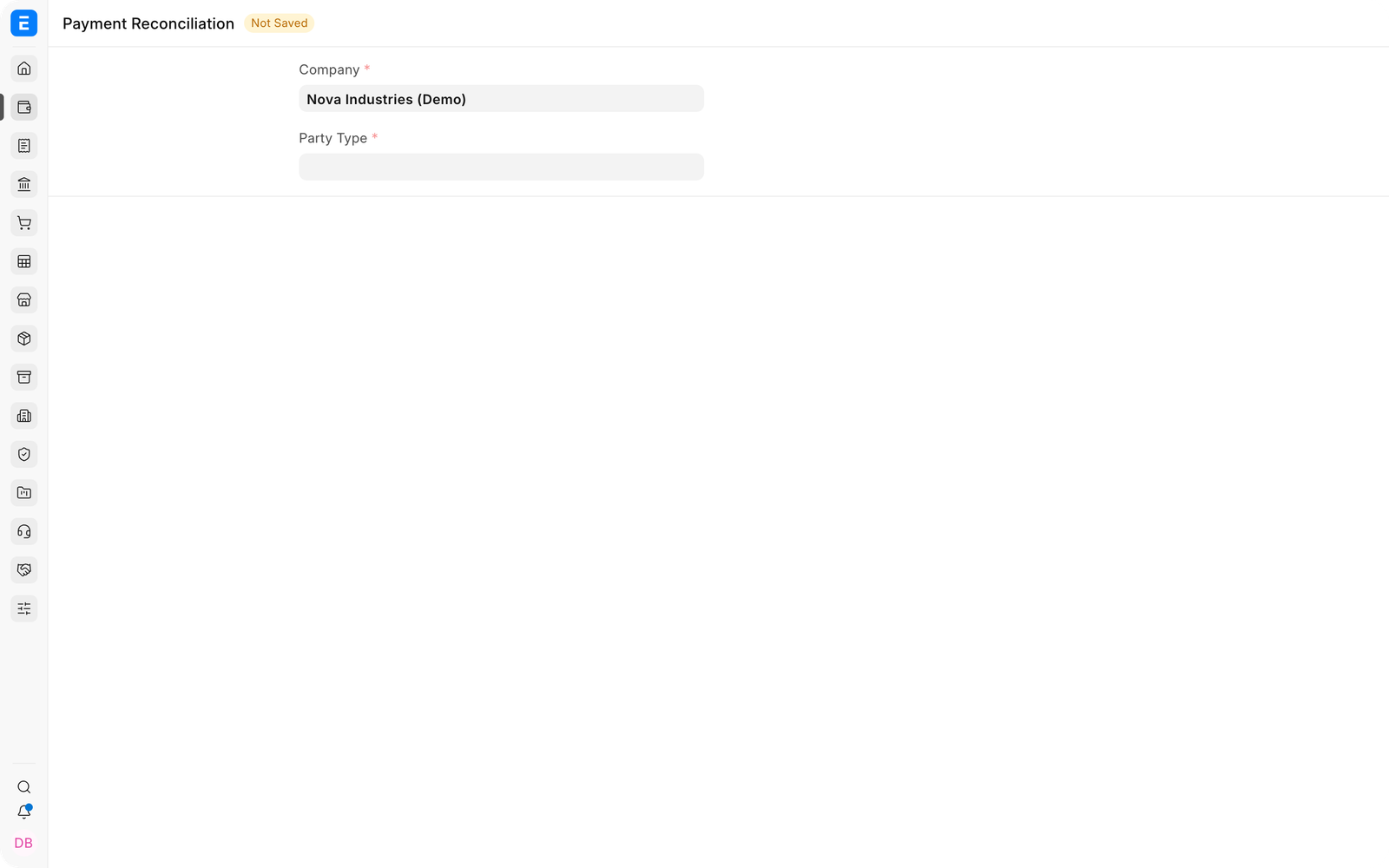
- Open the reconciliation tool and select Company, party type, and party.
- Load outstanding invoices and unallocated payments.
- Review suggested matches and compare remittance references.
- Adjust allocations when the suggestion is incomplete or incorrect.
- Reconcile and verify the updated outstanding balances.
Important fields and what they mean#
| Field | What it controls |
|---|---|
| Invoice Amount | Original invoice value. |
| Outstanding Amount | Balance still open. |
| Payment Amount | Unallocated amount available. |
| Allocated Amount | Amount the tool will link. |
| Reference and Date | Evidence used to confirm the match. |
What happens after you submit or process#
EnigmaERP updates the relevant accounting records and, where applicable, the outstanding or unallocated amounts. Review the General Ledger, party ledger, and source document status before treating the workflow as complete. A saved draft does not affect the ledger.
Troubleshooting#
Suggested matches are missing#
Confirm the party, account, currency, date range, and outstanding or unallocated balances. Improve reference numbers and imported bank descriptions to make matching more reliable.
The suggested invoice is incorrect#
Reject the suggestion and choose the correct reference. Similar amounts and dates are not sufficient when the payer, invoice number, or remittance advice conflicts.
A payment matches several possible invoices#
Review the customer's remittance advice and allocate manually. Do not accept an ambiguous match solely to clear the queue.
Frequently asked questions#
What does semi-automatic mean?#
EnigmaERP proposes or filters likely matches, but a user reviews and confirms the allocation before it is processed.
Is it safe to match only by amount?#
Amount is one signal. Also compare party, currency, dates, references, and outstanding balances.
Can one suggested payment be split across invoices?#
Use the available allocation controls to divide an eligible payment when the remittance covers several invoices.
Does accepting a suggestion change the bank statement?#
It does not alter the external bank statement. It records the relationship between existing EnigmaERP payment and invoice entries.