Opportunity Type
'Opportunity Type' indicates the broad category of opportunity like Sales, Support, Maintenance, Partnership etc.
Adding the appropriate opportunity type helps in assigning the opportunity to the right sales executive and also categorise opportunities in different groups.
To access the Opportunity Type, go to:
Home > CRM > Settings > Opportunity Type
How to create an Opportunity Type#
- Go to the Opportunity list and select New.
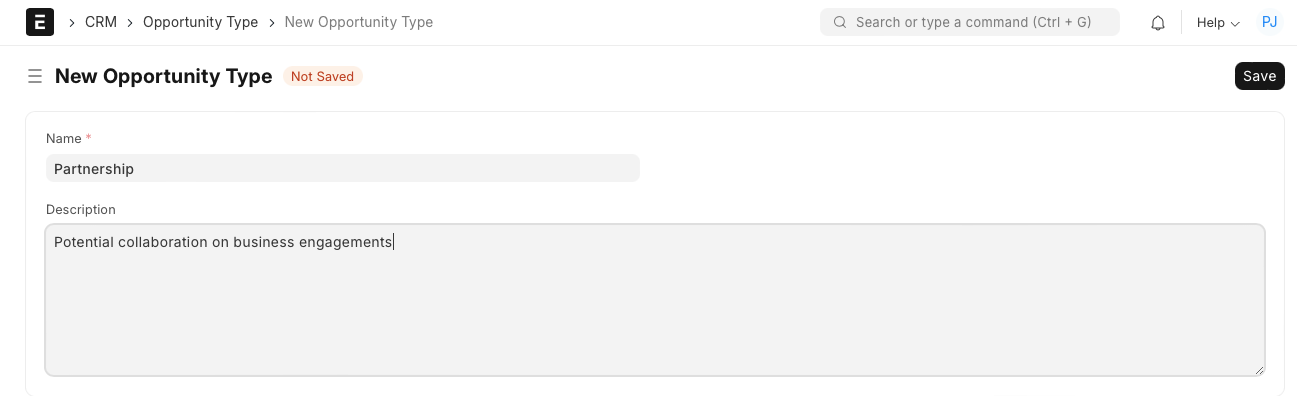
- Enter 'Name'.
- Enter 'Description' to elaborate more on the type.
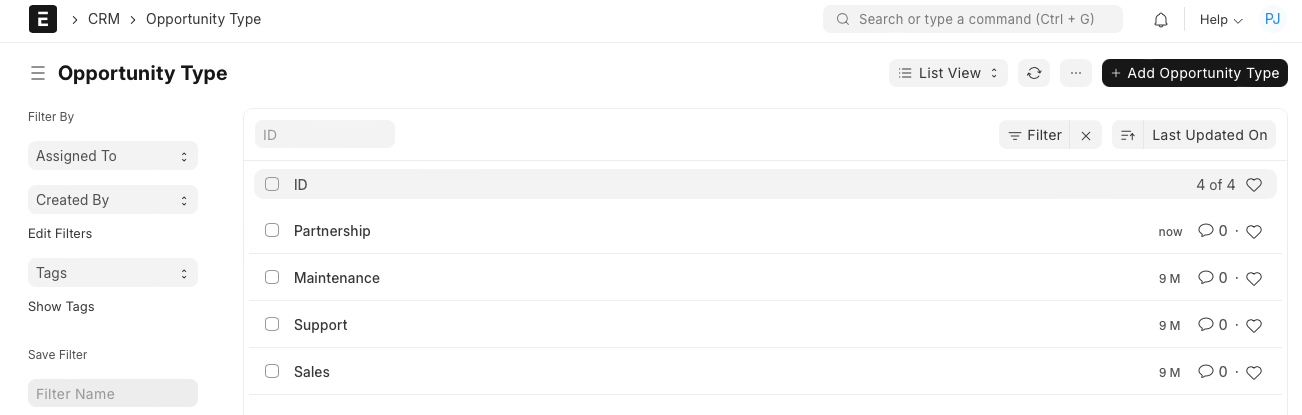
The system allows you to maintain a list of different Opportunity Types.
Adapted for EnigmaERP from the ERPNext documentation,
© Frappe Technologies Pvt. Ltd. Content licensed under
CC-BY-SA 3.0.
EnigmaERP is a product of Enigma and is not
affiliated with or endorsed by Frappe Technologies Pvt. Ltd.