Activity Cost
Activity Cost records the per-hour billing rate and costing rate of an Employee against a particular Activity Type.
The system pulls this rate while making Timesheets. It is used to determine the Project Cost.
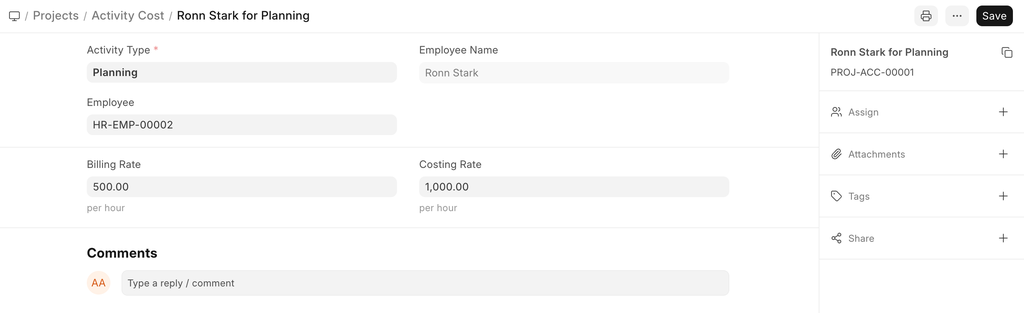
To access Activity Cost, go to,
Home > Projects > Time Tracking > Activity Cost
How to create Activity Cost#
- Go to the Activity Cost list and click on New.
- Add the name of the Employee for whom you are configuring the Activity Cost.
- Add the Costing Rate and the Billing Rate for the Employee.
- Save.
Alternatively, an Activity Cost can also be created via the Activity List.

Adapted for EnigmaERP from the ERPNext documentation,
© Frappe Technologies Pvt. Ltd. Content licensed under
CC-BY-SA 3.0.
EnigmaERP is a product of Enigma and is not
affiliated with or endorsed by Frappe Technologies Pvt. Ltd.