Module Settings
Nova Industries is a fictional electronics manufacturer and distributor used throughout this guide. Its sales team prepares quotations, the warehouse dispatches devices, the factory assembles selected products, and the finance team records every result. When the company introduces a repair service, its administrator must decide where to configure the new process. A site-wide security setting, a Selling setting, and a Stock setting can all look like "system settings", but they solve different problems.
Module Settings is the map that takes the administrator to the settings owned by each business process. It helps Nova change how Sales Orders behave without accidentally changing login security, accounting rules, or another module. Use it to find the correct settings page, then test the change in the transaction that consumes it.
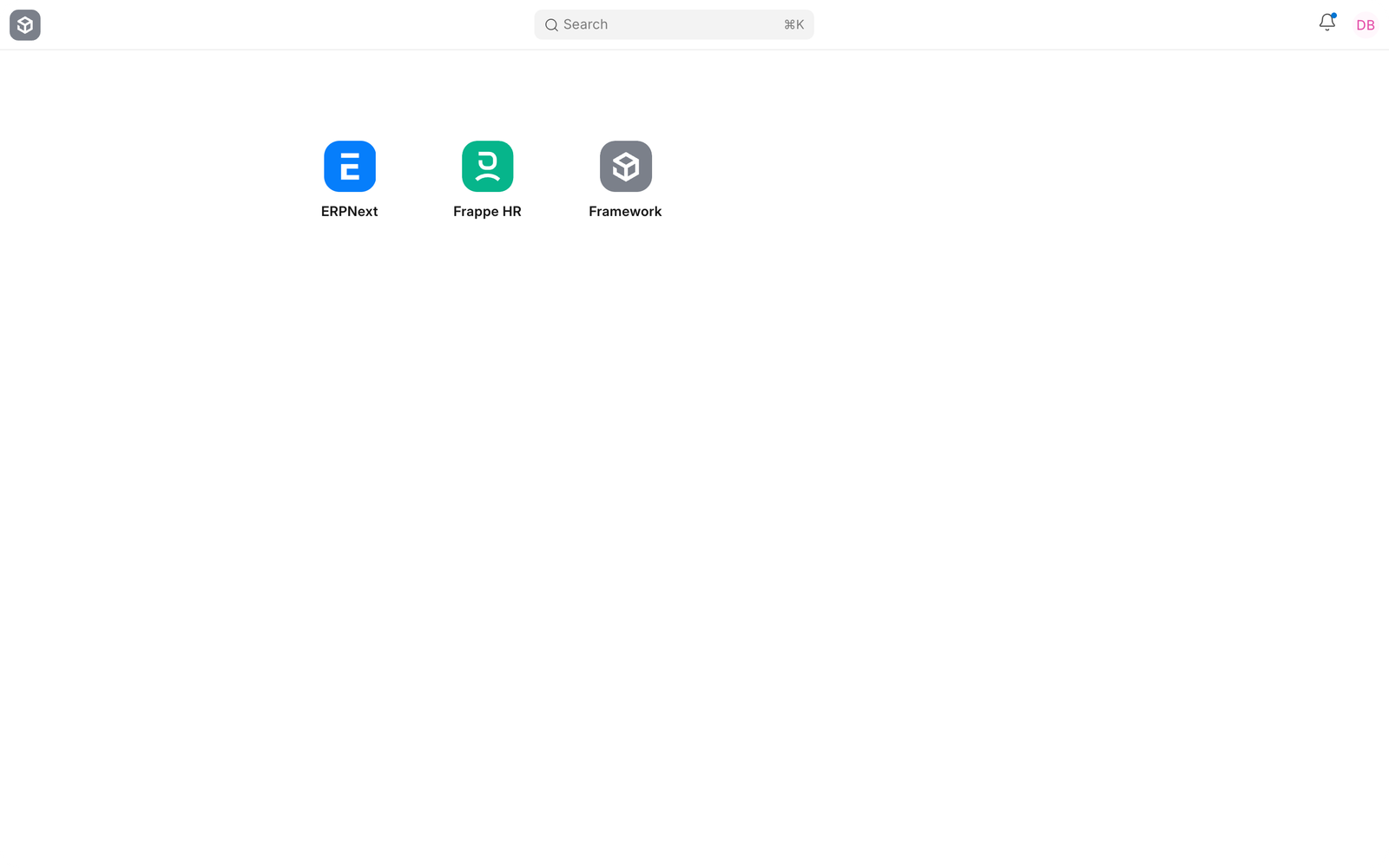
How module settings are organised#
| Settings page | What it controls | Nova Industries example |
|---|---|---|
| Accounts Settings | Accounting validations, invoices, deferred accounting, dimensions, and closing behaviour | Finance requires a credit limit check before a Sales Order is submitted. |
| Selling Settings | Customer and selling-document defaults | Sales wants the same territory and price-list behaviour on every quotation. |
| Buying Settings | Supplier and purchasing-document behaviour | Purchasing decides whether a Purchase Order is required before invoicing. |
| Stock Settings | Warehouses, valuation, reservations, and stock transaction behaviour | Warehouse users need serial-number and negative-stock rules to match company policy. |
| Manufacturing Settings | Production defaults and manufacturing controls | The assembly team wants Work Orders and Job Cards to follow a defined capacity process. |
| Projects Settings | Project, task, and time-tracking defaults | The repair service bills work from Timesheets linked to Projects. |
| Support Settings | Issue and service-level behaviour | Support assigns incoming customer issues to a default service team. |
| CRM Settings | Lead, opportunity, and communication behaviour | Sales wants website enquiries to become Leads with consistent ownership. |
Choose the correct settings page#
Start with the transaction or process that should change. If the change should affect only Sales Orders, open Selling Settings. If it affects every user, such as password policy or date format, use System Settings. If it merely supplies a common Company or Currency on new records, use Global Defaults. If it should last only for one user session, use Session Defaults.
After saving a module setting, create a fresh draft transaction and confirm the intended result. Existing submitted transactions normally preserve their earlier state and should not be treated as proof that the new configuration failed.
Troubleshooting#
A module setting does not affect an existing document#
Reload the form and test with a new draft. A setting may apply only when a document is created or when a particular transaction condition is met.
A settings page is missing#
Confirm that the app and module are installed, the relevant domain is active, and the user has the System Manager or other required role.
A user can still open a module#
Module Settings controls behaviour, not access. Configure roles, Role Permissions, User Permissions, and Workspace visibility for access control.
Frequently asked questions#
Do Module Settings apply to every company?#
Many module settings are site-wide, while some rows or defaults are company-specific. Read the field description and test with the affected company before rollout.
Are Module Settings a replacement for Company defaults?#
Company defaults supply accounts and other company-owned values. Module settings control process behaviour. Both can affect the same transaction for different reasons.
Should administrators change several settings at once?#
Change one business decision at a time and verify it in a new transaction. This makes an unexpected result easier to trace.