Signature Field
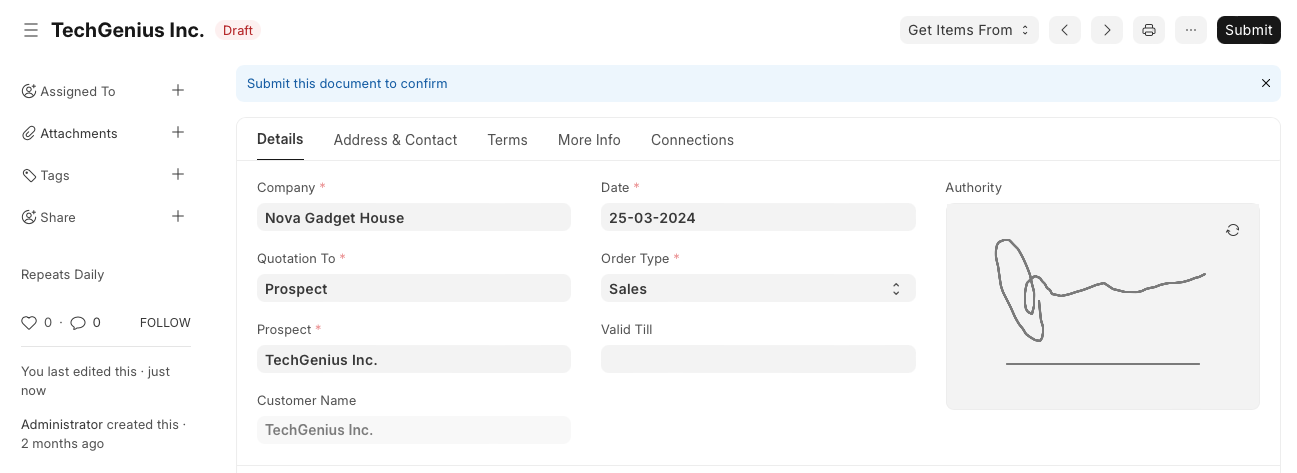
Electronic signature can be created in EnigmaERP using the Signature field type. This field allows you to write a signature in a block, just like the signature on a paper.
To create an electronic signature, follow the following steps:
- Open the DocType and go to Customise Form.
- In the Form view or Fields table, create a new field called Signature and select the Field Type as Signature.
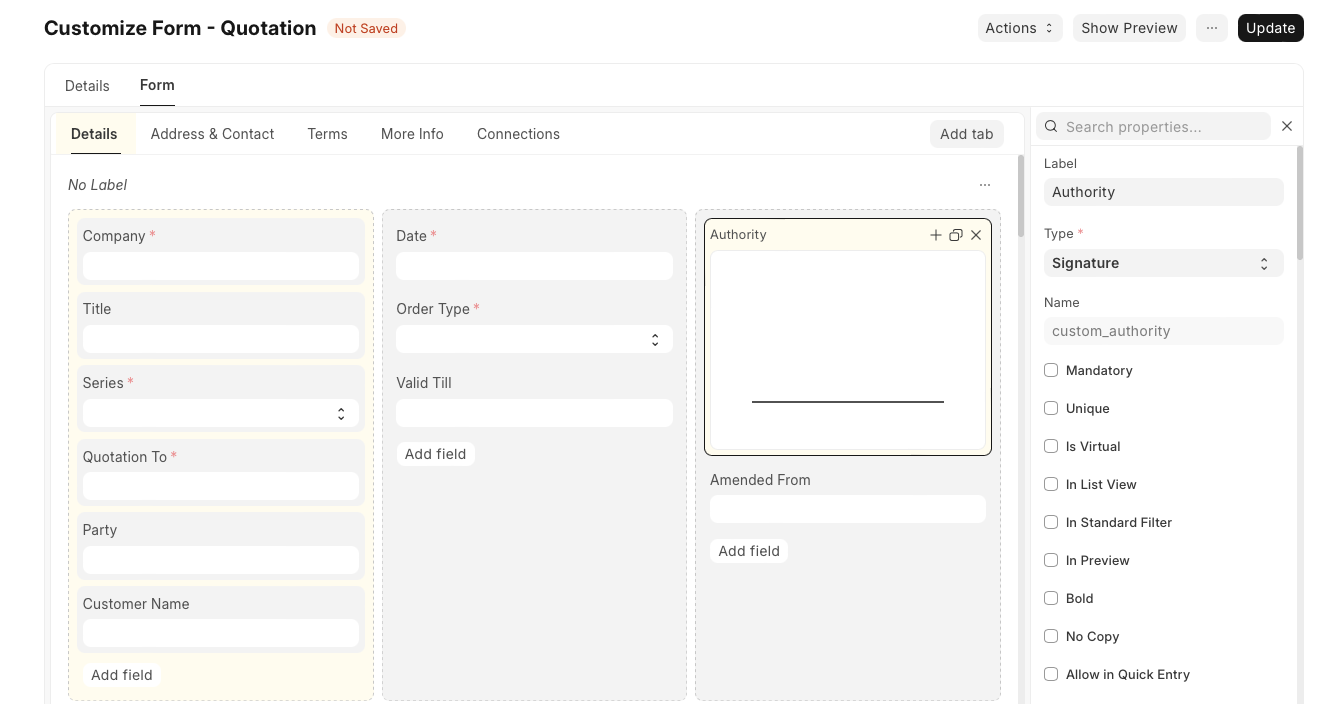

- Click on Update.
- Refresh the page and put your signature.
Adapted for EnigmaERP from the ERPNext documentation,
© Frappe Technologies Pvt. Ltd. Content licensed under
CC-BY-SA 3.0.
EnigmaERP is a product of Enigma and is not
affiliated with or endorsed by Frappe Technologies Pvt. Ltd.