Email Error in Sending or Receiving
In EnigmaERP, you can customize the Incoming and Outgoing Email Gateway. On saving an Email Account, EnigmaERP tries establishing a connection with your email gateway. If your EnigmaERP account is able to connect fine, then Email Account is saved successfully. If not, then you might receive an error as below.
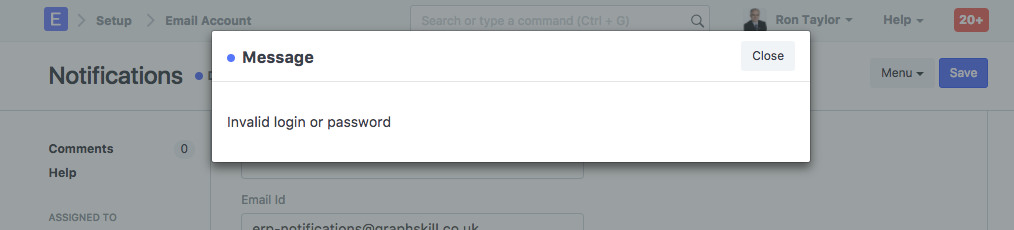
This indicates that using login credentials and other email gateway details provided in the Email Account, EnigmaERP is not able to connect to your email server. Please ensure that you have entered valid email credentials for your Email Gateway. Once you have configured Email Account successfully, you should be able to send and receive emails from your EnigmaERP account fine.
Note: Your EnigmaERP account is connected with an EnigmaERP email server by default. If you don't want to use your own email server, you can continue sending emails using EnigmaERP email server, without any configuration required in the Email Account.