Deferred Revenue/Expense Report
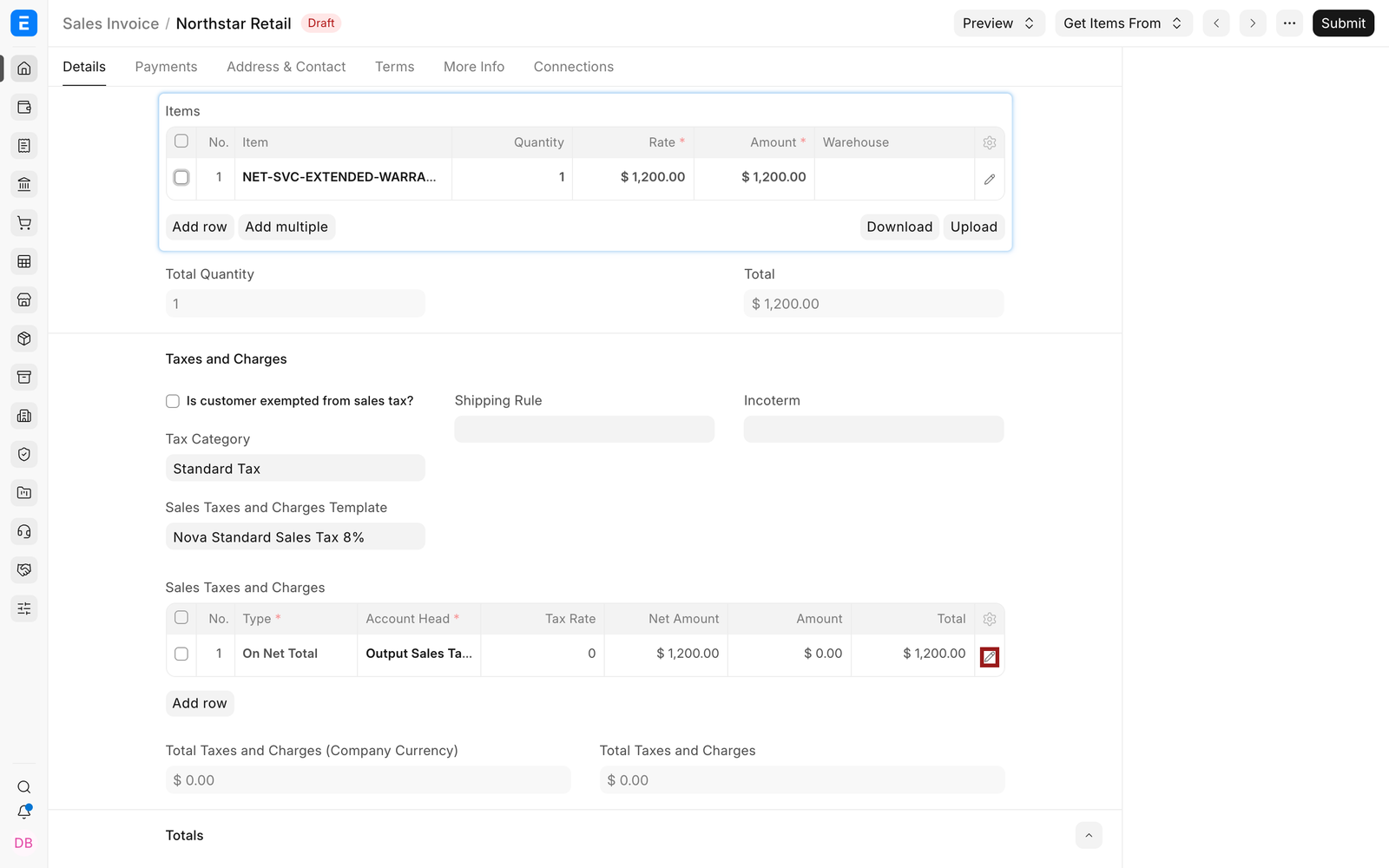
Nova Industries sells a $1,200 annual warranty service and also prepays $1,200 for a year of software support. The invoices show the full contractual amounts, but finance should recognise only the portion earned or consumed in each accounting period.
The Deferred Revenue and Expense Report compares the expected recognition schedule with actual deferred-accounting postings. It helps finance identify what has already been recognised, what remains deferred, and which invoice or item requires investigation.
Before you begin#
Configure deferred accounts in Accounts Settings, enable deferred accounting on the relevant Item or invoice row, and enter valid service start and end dates. Submit the invoice and run Process Deferred Accounting according to the company's schedule.
Review deferred revenue#

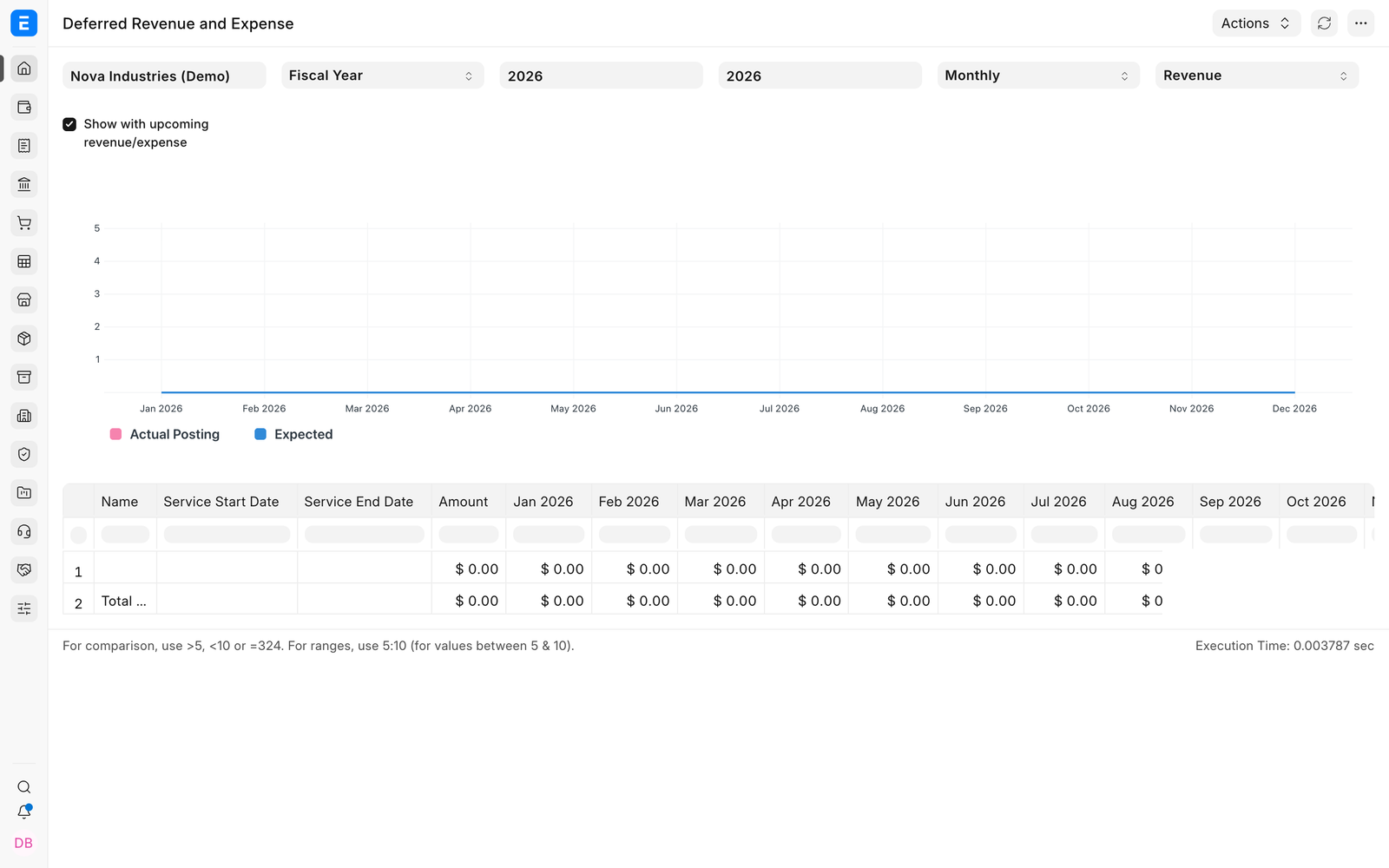
- Open the Deferred Revenue and Expense Report.
- Select Nova Industries and the reporting period.
- Choose the revenue view or filter for Sales Invoices.
- Review the invoice, item, service dates, expected recognition, actual posting, and remaining amount.
- Open the invoice or generated Journal Entry when a line needs explanation.
Review deferred expense#

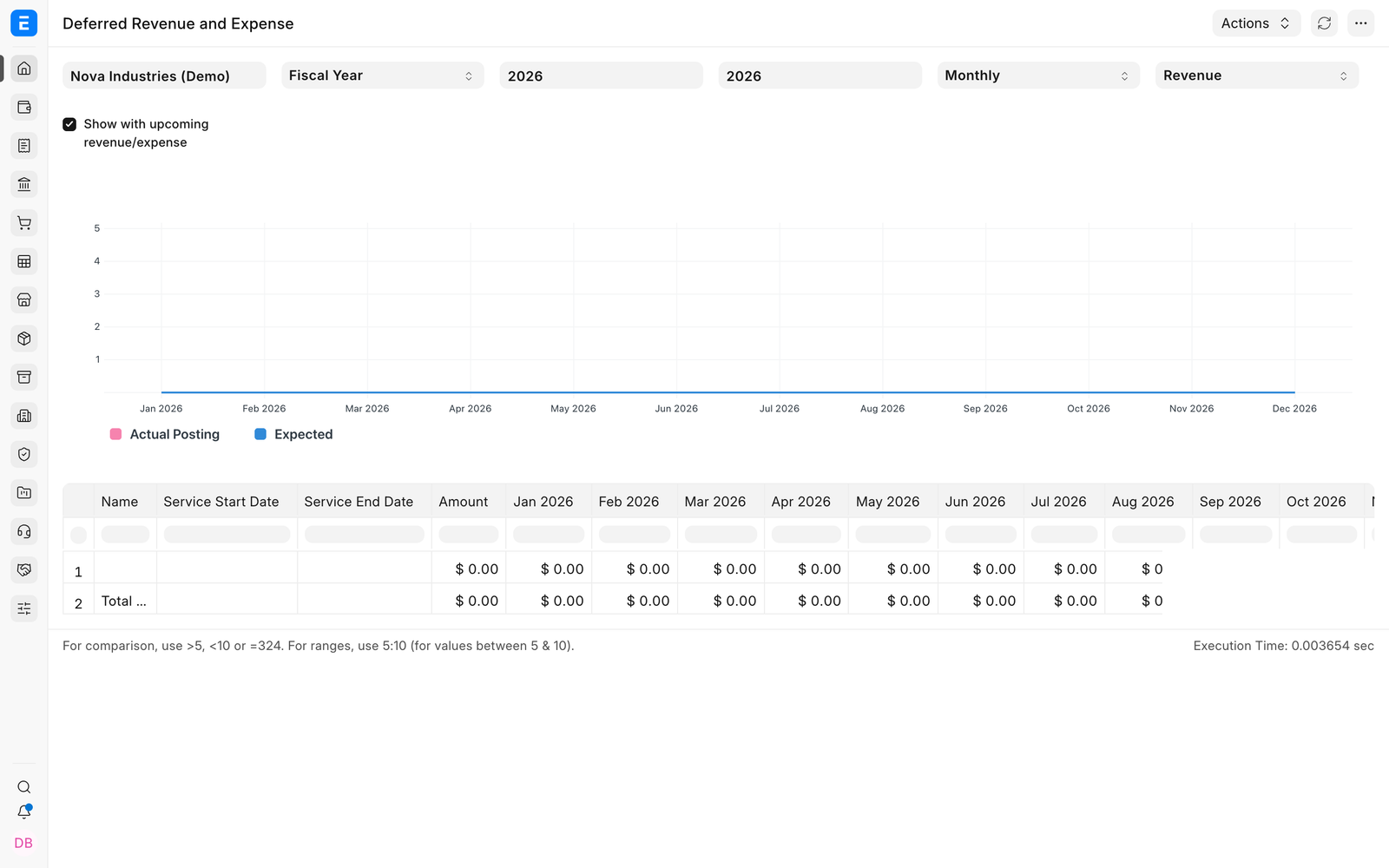
Use the expense view for prepaid costs from Purchase Invoices. The same report logic shows the portion already recognised as expense and the amount that remains in the deferred asset account.
Understand the result#
| Value | What to check |
|---|---|
| Invoice amount | The original deferred item value and currency. |
| Service period | The dates over which revenue or expense should be recognised. |
| Expected amount | The schedule amount calculated for the selected period. |
| Actual amount | The value already posted by deferred accounting entries. |
| Upcoming or remaining amount | The portion still expected in future periods. |
Verify the accounting#
Open the generated Journal Entry and compare the deferred account with the income or expense account in the General Ledger. Revenue recognition normally debits the deferred revenue liability and credits income. Expense recognition normally credits the deferred expense asset and debits expense.
Troubleshooting#
An invoice does not appear#
Confirm that it is submitted, its item row has deferred accounting enabled, deferred and income or expense accounts are set, and the service dates overlap the report period.
Expected and actual values differ#
Run Process Deferred Accounting for the missing period and inspect failed or draft entries. Also check the Accounts Settings basis and whether generated Journal Entries require submission.
The same amount appears in the wrong period#
Review posting date, service start and end dates, and the deferred-recognition basis. Correct the source through the approved amendment process rather than editing ledger rows.
Frequently asked questions#
Does this report create accounting entries?#
The report explains expected and actual recognition. Process Deferred Accounting creates the recognition entries.
Can one invoice contain deferred and immediate items?#
Deferred behavior is configured at item-row level, allowing other rows to post immediately when their settings and accounts require it.
Why is the full invoice still visible as receivable or payable?#
Deferral changes when income or expense is recognised. It does not normally change the customer's or supplier's contractual invoice balance.