Custom Translations in Print Formats
With Custom Translations, user can print the customer's and supplier's document in their local language.
For example, if you have customers from Germany and France who want quotations in German and French, it's possible using Custom Translations.
1. Set the Language#
In the Customer master, select the default Language. Say, the default language for the Customer is Spanish.

Same way, you can also set default language in the Supplier master.
1.1 Print Preview in the Party's Language#
In the Print Preview of a transaction, values will be translated into the party's language.
Customer Quotation print preview in customer's default language.
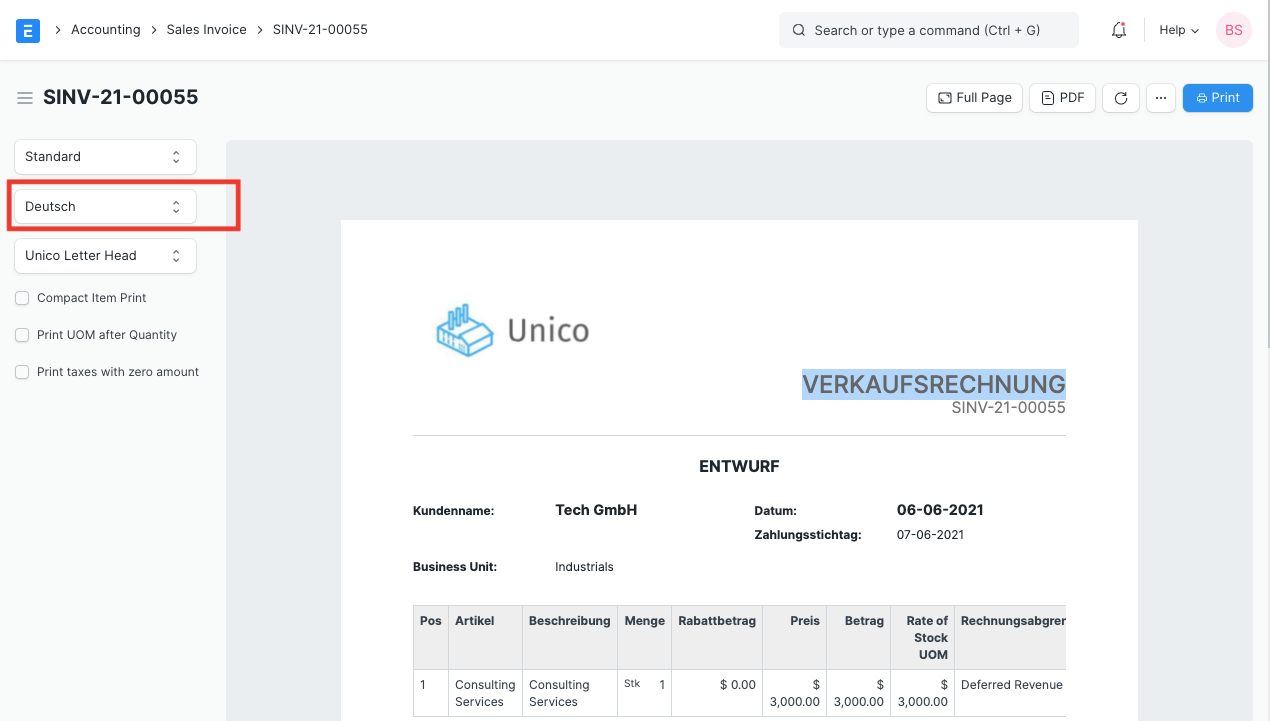
Supplier Quotation print preview in supplier's default language.
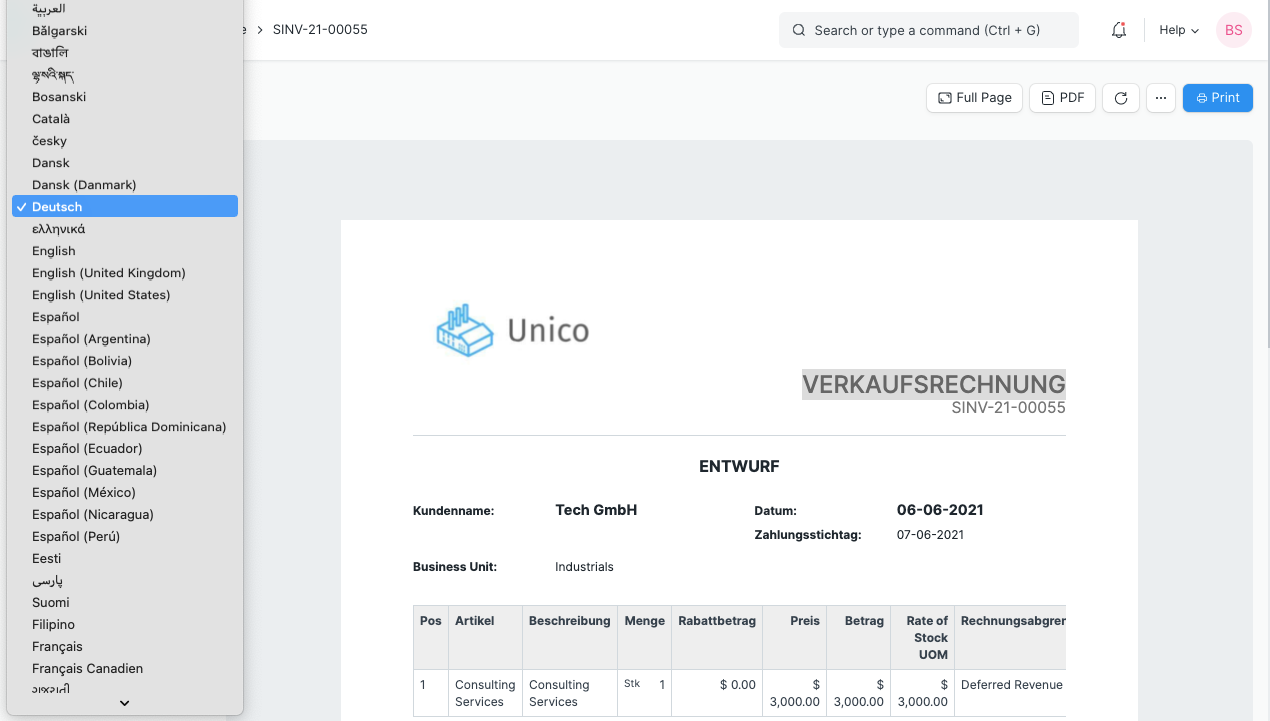
1.2 Changing the print language in the preview#
User has the option to select an alternate language on print view.
2. Custom Translation#
Users can set their custom translations using Custom Translations form. For example, if a user wants to set a description of a product in the customer's language (Spanish). For that, create a new translation with language as Spanish, enter source data and translated information.
Home > Customization > Other > Custom Translations > New

The translation is applied when the user selects the language as Spanish on supplier Quotation's print preview. Note that no translation is applied for the second item's description since it wasn't created in the Translation list.
