Subscription Settings
Subscription Settings controls how EnigmaERP handles unpaid subscription invoices across the site. Configure it before relying on automatic recurring billing.
Configure unpaid-invoice handling#
Search for Subscription Settings and review:
| Setting | What it controls |
|---|---|
| Grace Period | Time allowed after an invoice becomes overdue before the subscription is treated as unpaid |
| Cancel Subscription After Grace Period | Automatically cancels a subscription when the unpaid condition continues beyond the grace period |
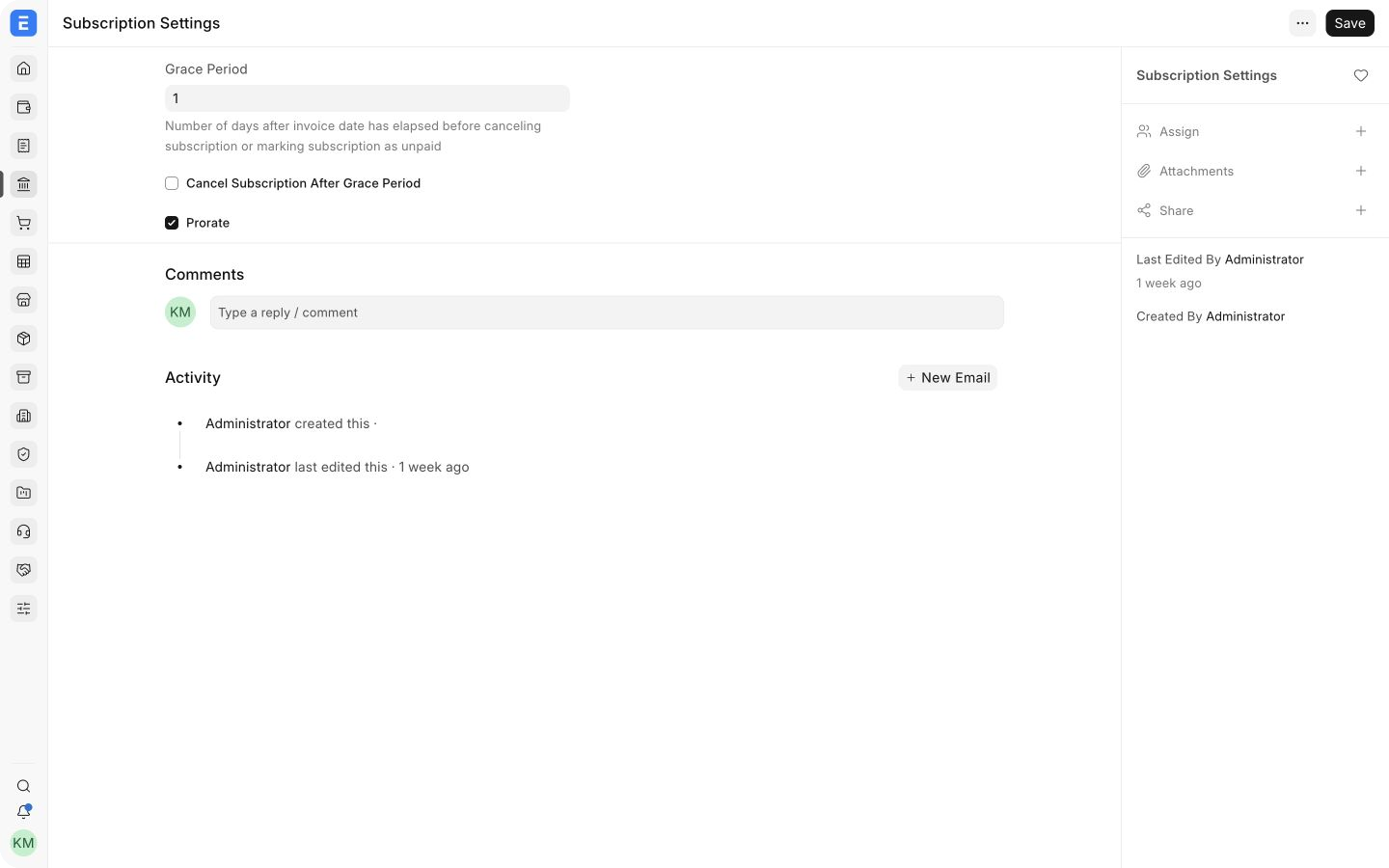
Use a grace period that matches your collection process. A short period stops service quickly but may cancel customers after a temporary payment delay. A longer period is more forgiving but allows unpaid exposure to grow.
Recommended rollout#
- Create a test Subscription with a short billing period.
- Generate an invoice and confirm its due date.
- Test both paid and unpaid outcomes.
- Confirm the Subscription moves through the expected Active, Grace Period, Unpaid, and Cancelled states.
- Only then enable automatic cancellation for production subscriptions.
These settings affect future subscription processing. They do not cancel or reverse Sales Invoices that have already been generated.
Related topics#
Adapted for EnigmaERP from the ERPNext documentation,
© Frappe Technologies Pvt. Ltd. Content licensed under
CC-BY-SA 3.0.
EnigmaERP is a product of Enigma and is not
affiliated with or endorsed by Frappe Technologies Pvt. Ltd.