Item Attribute
'Item Attributes' are the characteristics based on which Item Variants are created.#
The attributes can be defined based on item's physical appearance and capabilities. Defining item attributes properly will be helpful in creating item variants as a combination of multiple attributes.
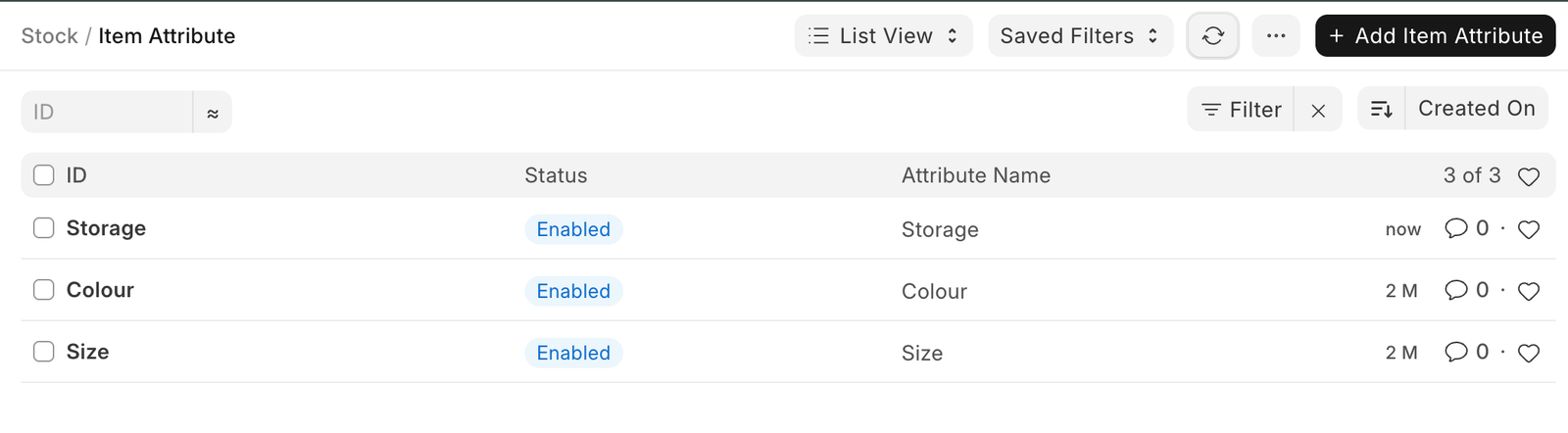
To access the Item Attribute list, go to:
Home > Stock > Settings > Item Attribute
How to create an Item Attribute?#
- Go to the Item Attribute list, click on 'Add Item Attribute'.
- Enter a name for the Attribute.
- Enter the attribute values in the table.
- Save.
The attribute values can be numeric or non-numeric.
Non-Numeric Attributes#
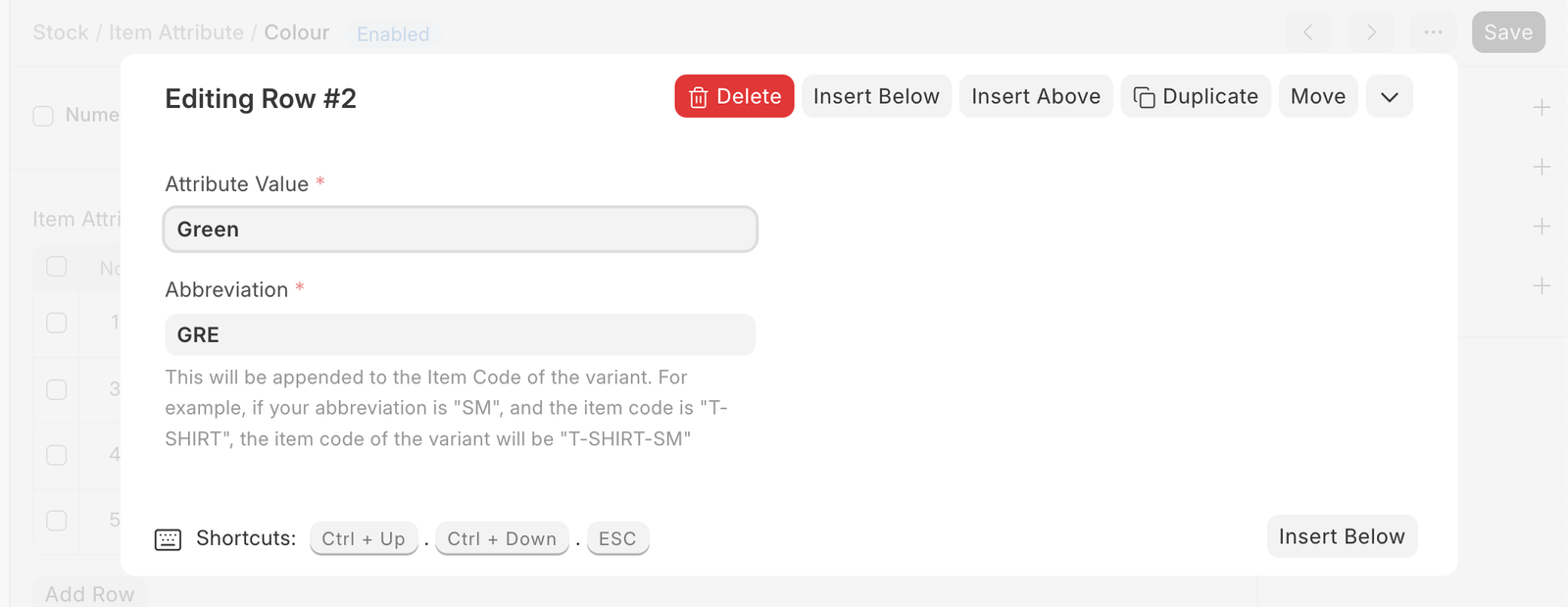
For Non-numeric attributes, specify attribute values along with their abbreviations in the Attribute Values table.
Numeric Attribute#
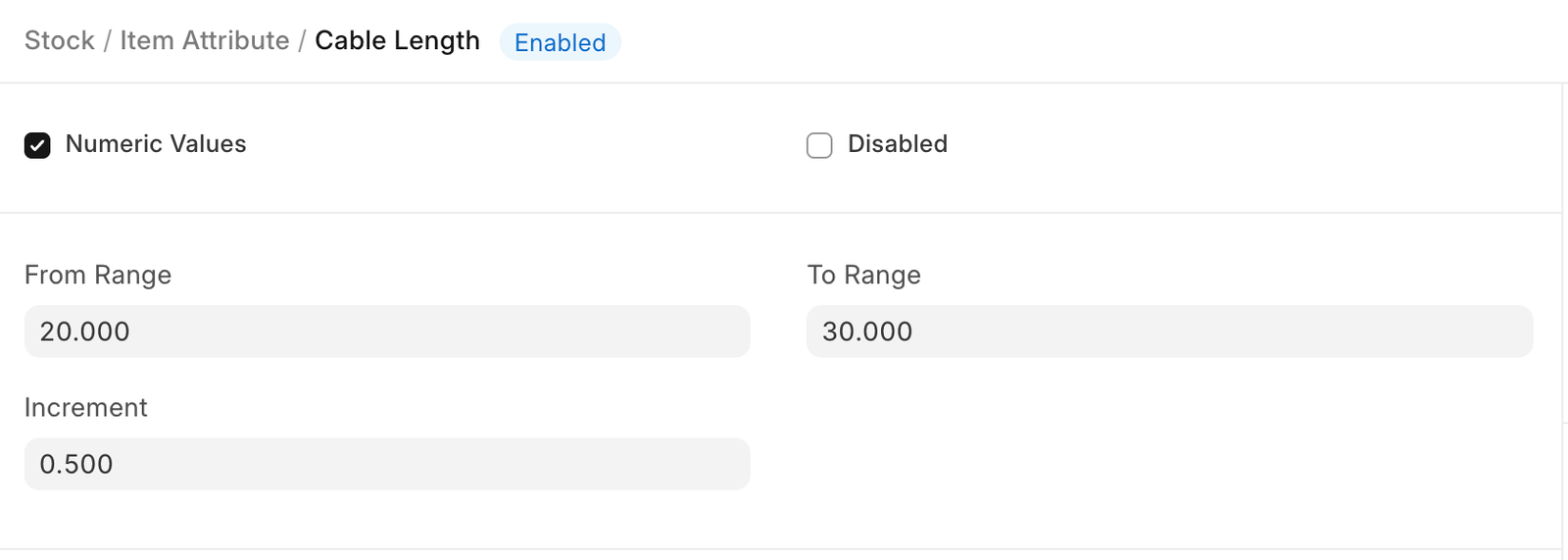
If your attribute is 'Numeric', then specify the range and increment so that the system can generate respective variants.
In the following example, the cable length is of range 1 to 5 and the increment is 1. Hence, the variants will be 1,2,3,4,5.
Adapted for EnigmaERP from the ERPNext documentation,
© Frappe Technologies Pvt. Ltd. Content licensed under
CC-BY-SA 3.0.
EnigmaERP is a product of Enigma and is not
affiliated with or endorsed by Frappe Technologies Pvt. Ltd.